
Spend & Save
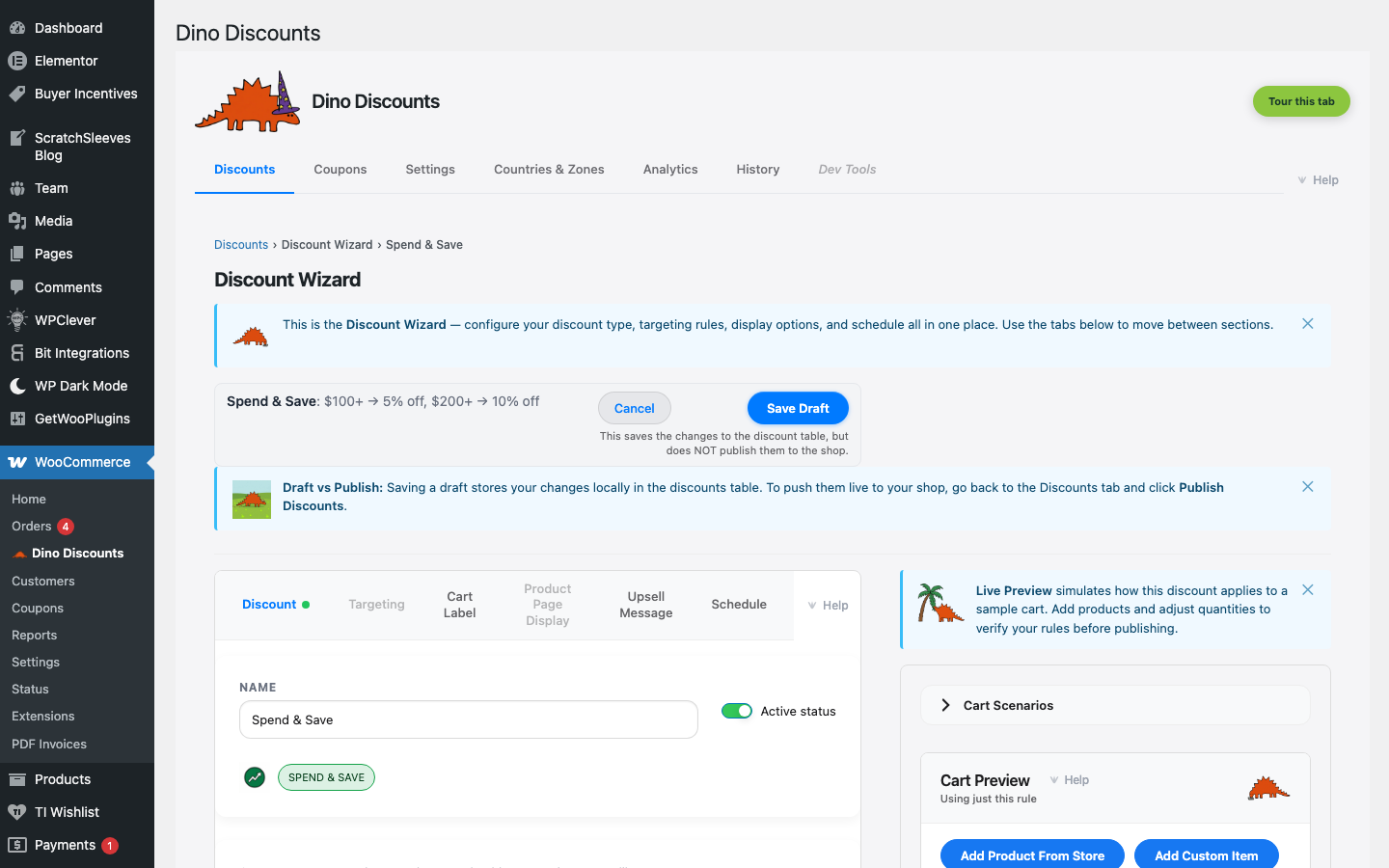
Multiple spend tiers with increasing discounts. Customers automatically get the best tier they qualify for.
When to use this
Section titled “When to use this”- "Spend more, save more" promotions
- Increasing average order value with graduated rewards
- Seasonal tiered sales
Example
Section titled “Example”| Spend | Discount | |-------|----------| | $100+ | 5% off | | $200+ | 10% off | | $500+ | 15% off |
Customer spends $250 → automatically gets 10% off.
How to set it up
Section titled “How to set it up”- Click + Create Discount and select Spend & save (tiered) under Spend & save / tiers
- Add your tiers — set the minimum spend and discount for each level
- Click Add Tier to add more levels
- Save Draft, preview, then Publish
For a detailed walkthrough, see Your First Automatic Discount.
- Tiers are evaluated in order — the customer gets the best tier they qualify for
- Use Upsell Messages to show "Spend $50 more for 10% off!" nudges
- Combine with Product Page Pricing to show the tiered pricing table on product pages
What's next?
Section titled “What's next?”- Free Shipping — try another recipe
- Build Your Own — start from scratch with the full wizard
- Storefront Display — control how discounts appear on your site