
Flash Sale
A discount that automatically starts and stops on the dates you set. No need to remember to turn it off.
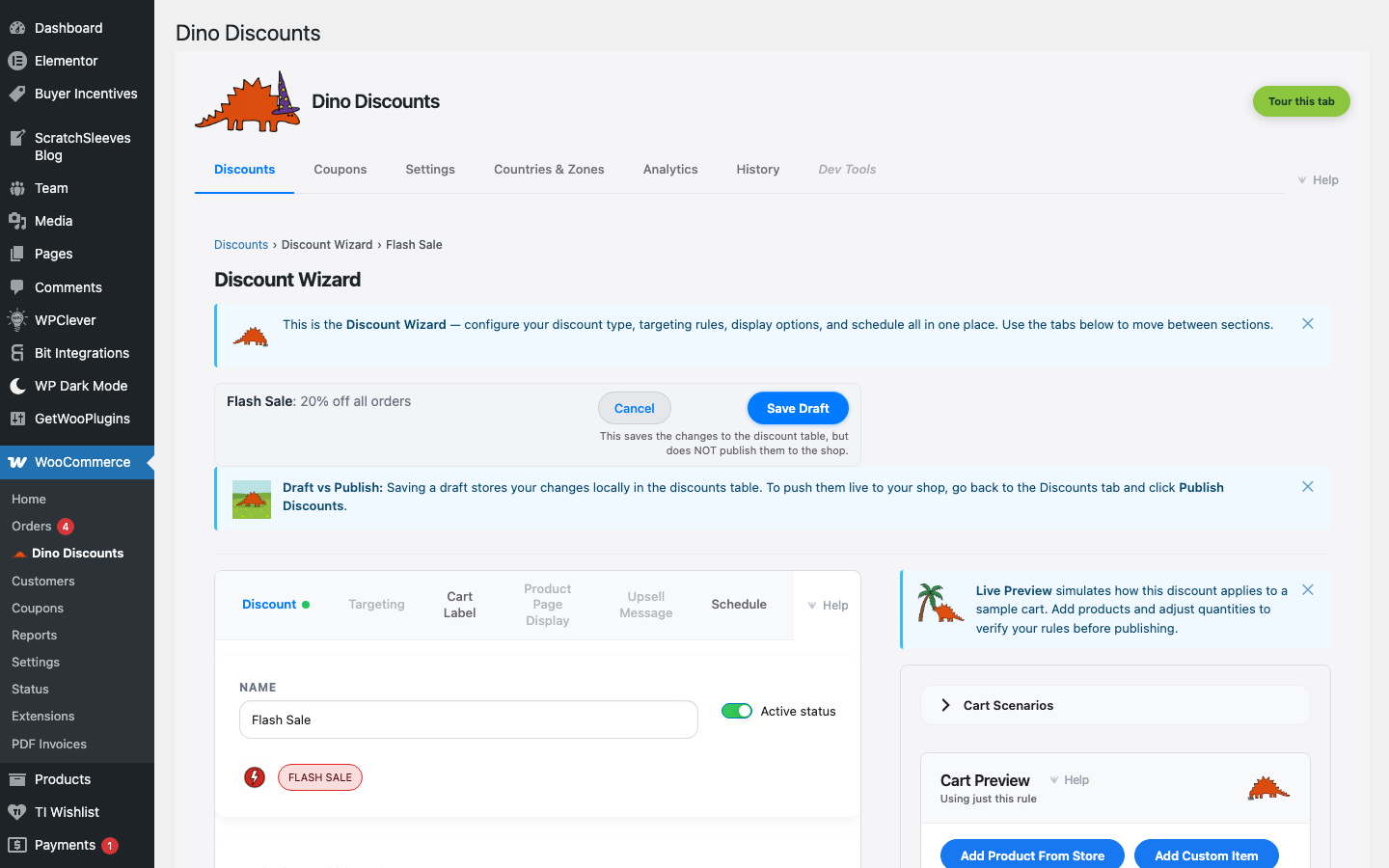
When to use this
Section titled “When to use this”- Weekend flash sales
- Holiday promotions with firm end dates
- Limited-time product launches
Example
Section titled “Example”20% off everything from Friday 6pm to Sunday midnight — starts and stops automatically.
How to set it up
Section titled “How to set it up”- Click + Create Discount and select Flash sale (date window) under Time / day
- Set the discount type and amount
- Set the start date/time and end date/time in the When does it apply? section
- Save Draft, preview, then Publish
The discount activates at the start time and deactivates at the end time. No manual intervention needed.
- Use Cart Labels to show "Flash Sale: 20% off!" in the cart
- Schedule multiple flash sales in advance — they'll activate and deactivate on their own
- See Scheduling for more date and time options
What's next?
Section titled “What's next?”- Repeat Customer — try another recipe
- Build Your Own — start from scratch with the full wizard
- Storefront Display — control how discounts appear on your site